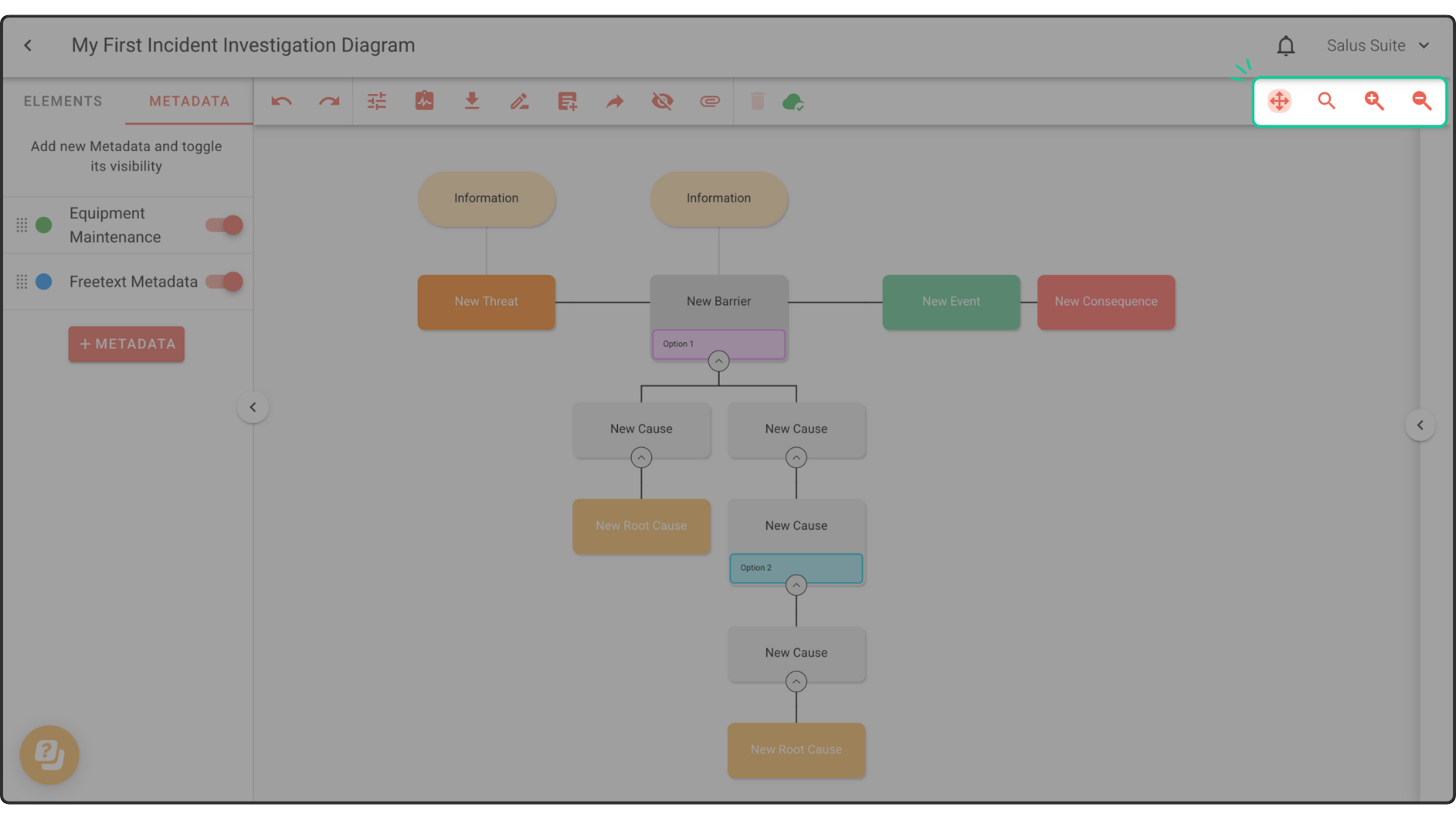
Adjust your view by activating Pan Mode. Using the Pan Mode tool on the top right corner of the diagram editor allows you to pan across your diagram.
Alternatively, holding the Shift Key button will do the same.
Zoom buttons (+ and -) found on the toolbar allow you to decrease or increase the size of the image. The Reset Zoom button will reset the view to its default setting.